Stuur je e-mail door naar Fred.
Waar je hieronder your-family-048213@fred.family ziet staan, gebruik je het Fred-adres van jullie eigen gezin — dat vind je in de app onder Instellingen → Integraties.
Gmail
Browser onlySet up forwarding
- 1Open your forwarding settings
- 2Click Add a forwarding address.
- 3Add your-family-048213@fred.family.
- 4Press Next, then Fred will automatically confirm the forwarding request.
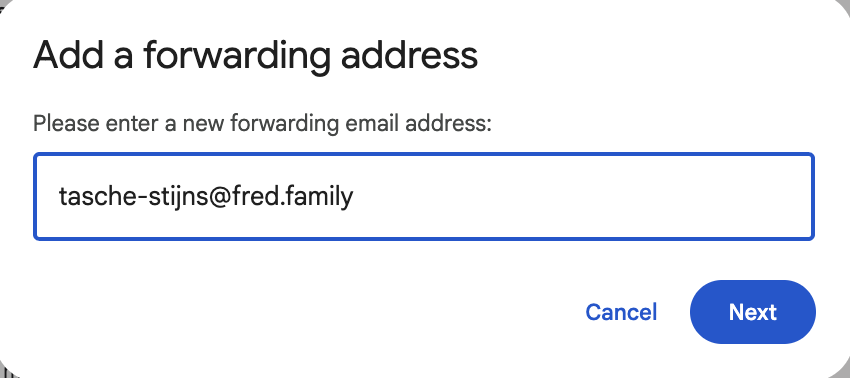
Add a forwarding address
Forward emails from specific senders
- 1In Gmail, in the top menu “Search mail” box, click the slider icon on the right.

- 2Fill in the email address of the sender you'd like to forward emails from.
- 3Click Create filter.
- 4Check Forward it to and select your-family-048213@fred.family.
- 5Click Create filter.
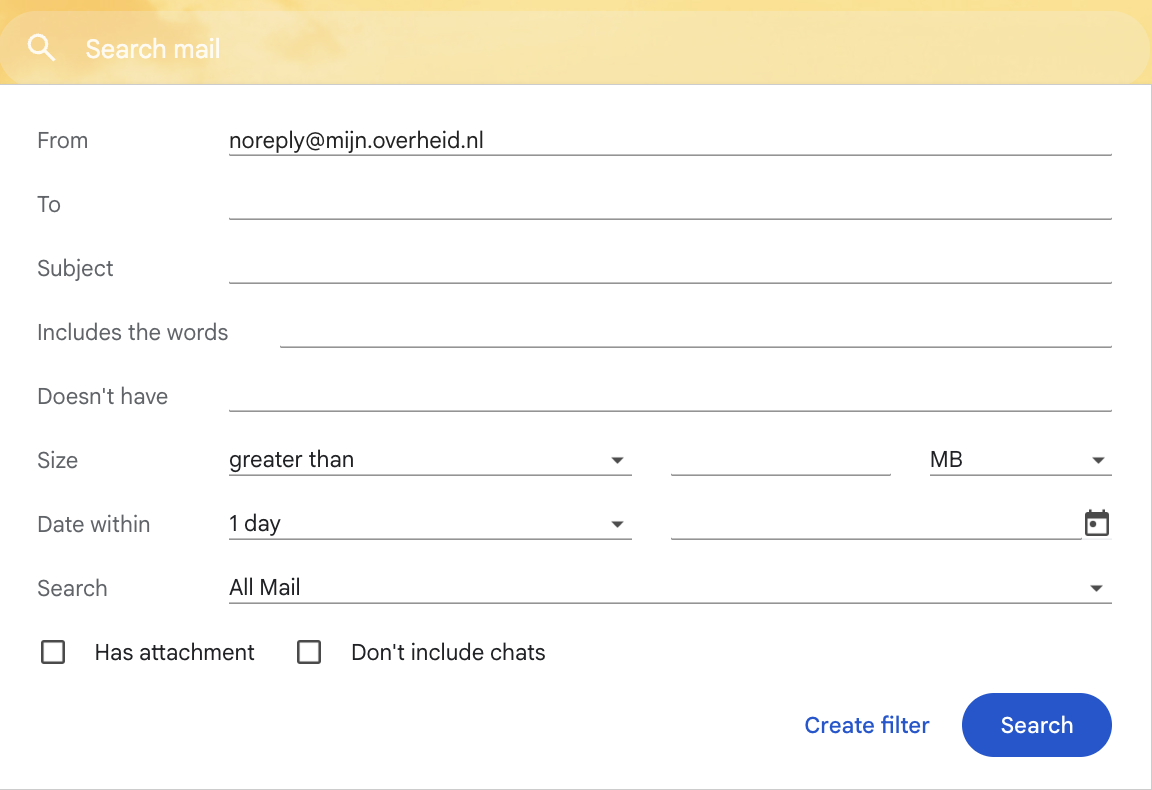
1 / 2 — Create a filter
Recommended senders to forward
- Notificatie@edm.postnl.nl
- noreply@dhlecommerce.nl
- noreply@belastingdienst.nl
- noreply@mijn.overheid.nl
- noreply@waternet.nl
- All school-related emails
- All sport-related emails
- All music-related emails