
What’s new
Fred keeps getting better.
We get a lot of feedback from the families using Fred about what they still need. We talk to experts and see what’s still missing in our own families. All of that goes into Fred, step by step.

There are many small changes along the way. These are the big ones, newest first.
- Latest
Your life doesn’t fit in one calendar
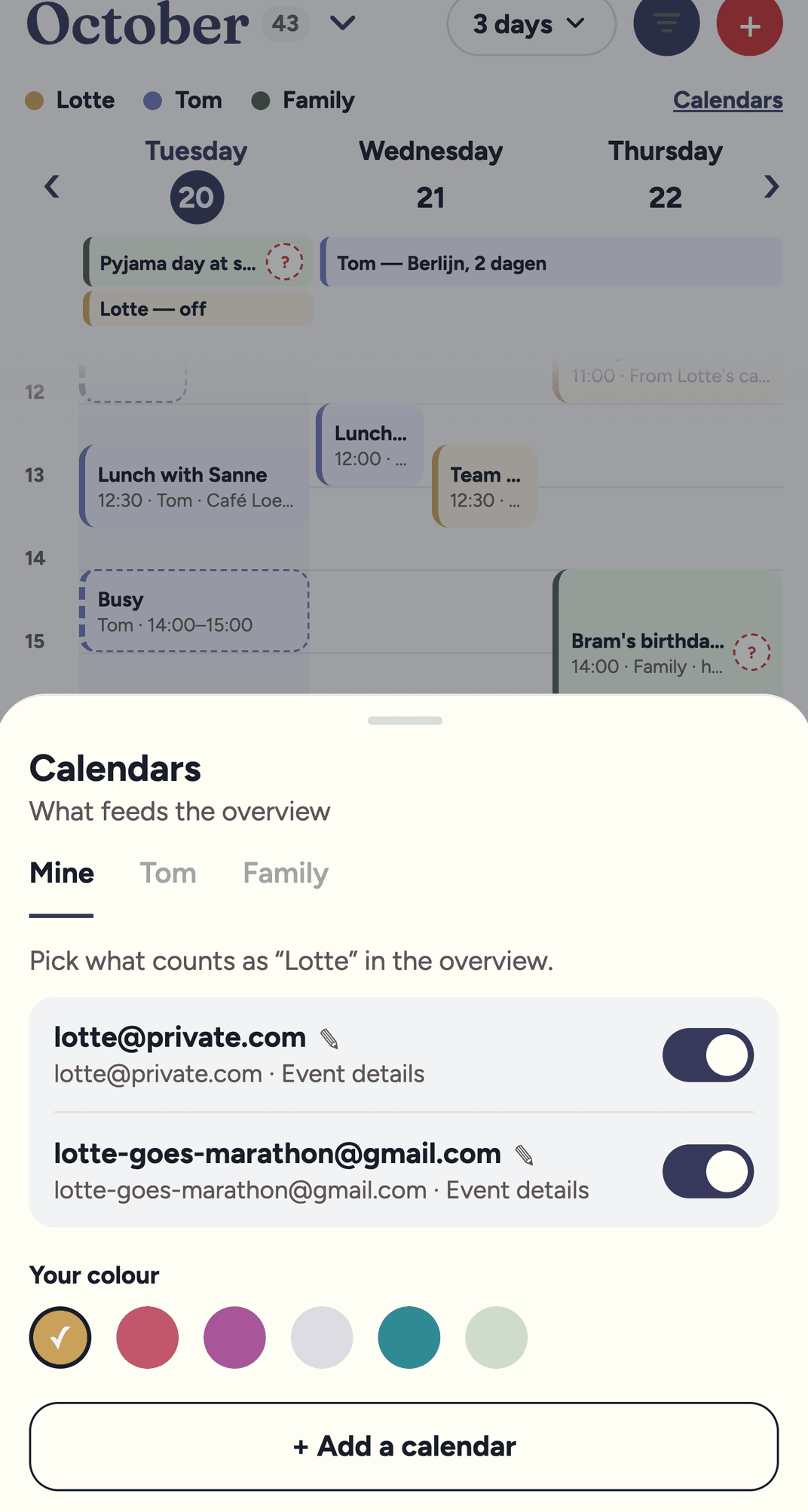
Multiple Google calendars per parent and per family
By far the most requested feature. Share your personal, work and workout calendars with Fred, plus the family calendar you already had before Fred existed. Everything in one view, and Fred checks all of them for conflicts. So no, bootcamp no longer “accidentally” falls on the same evening as the classroom cleaning.
Photos and screenshots
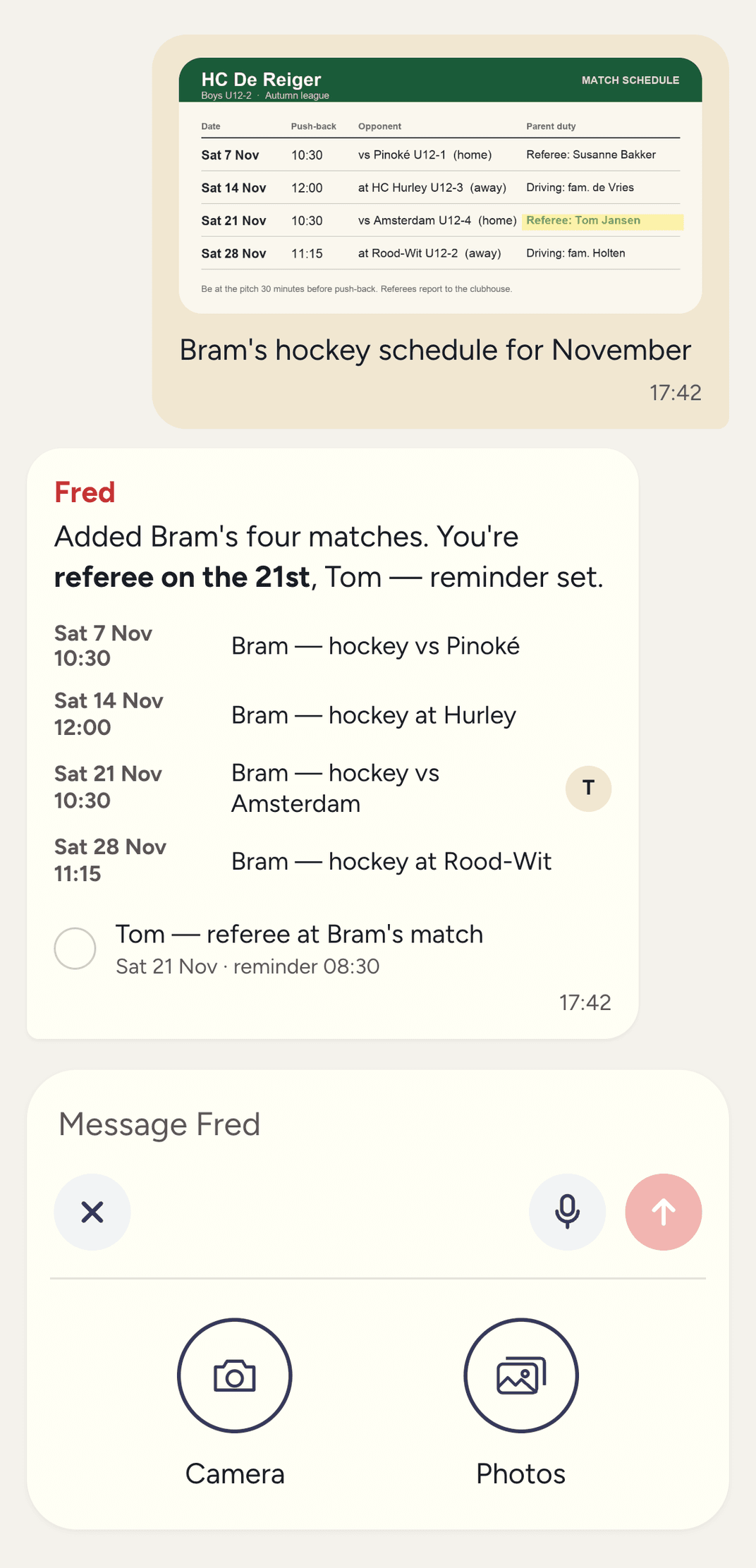
Fred reads the printed hockey schedule
Snap a photo or share a screenshot of a birthday invitation or a training schedule, and Fred creates the events and reminders for you. One photo per message, straight from the chat. The original photo is deleted automatically after 30 days.
Fred nags you the way your partner would
The reminder text is right there in the notification
Fred used to say “You have a reminder”. Now Fred says “Bring the bins out”. A lot more useful when you’re just about to sit down on the sofa.

Fewer questions
Fred picks a time when you say “tomorrow morning”
Ask Fred to remind you of something and you no longer get the interrogation: “What time? Starting when? How often?” You said “tomorrow morning”, Fred gets it. Guessed wrong? Just change it afterwards.
You hated it. So did we.
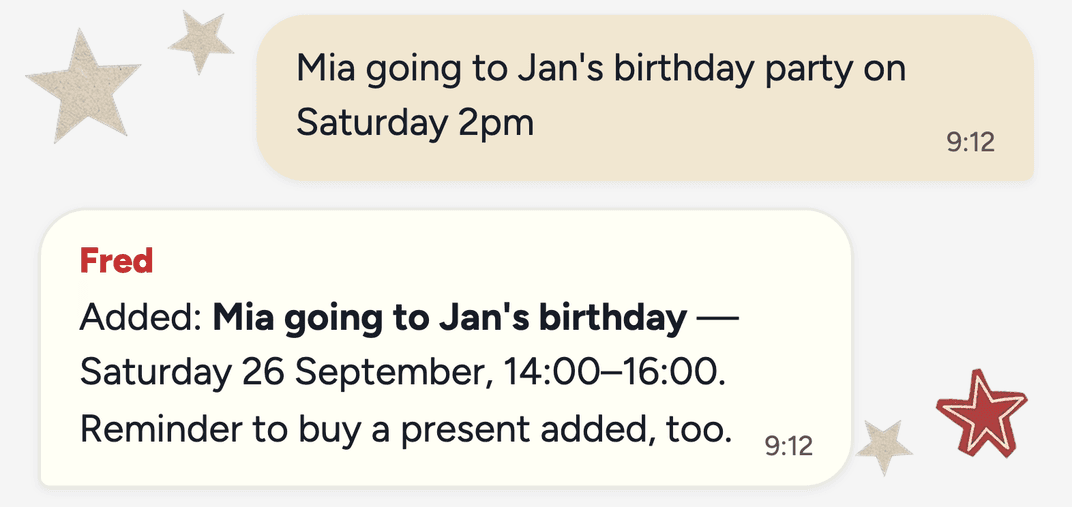
The confirm step is gone
Fred used to propose everything first — “Shall I put that in?” — and wait for your yes. Now you ask for something and Fred just does it, then says what was done.
Many families asked for it
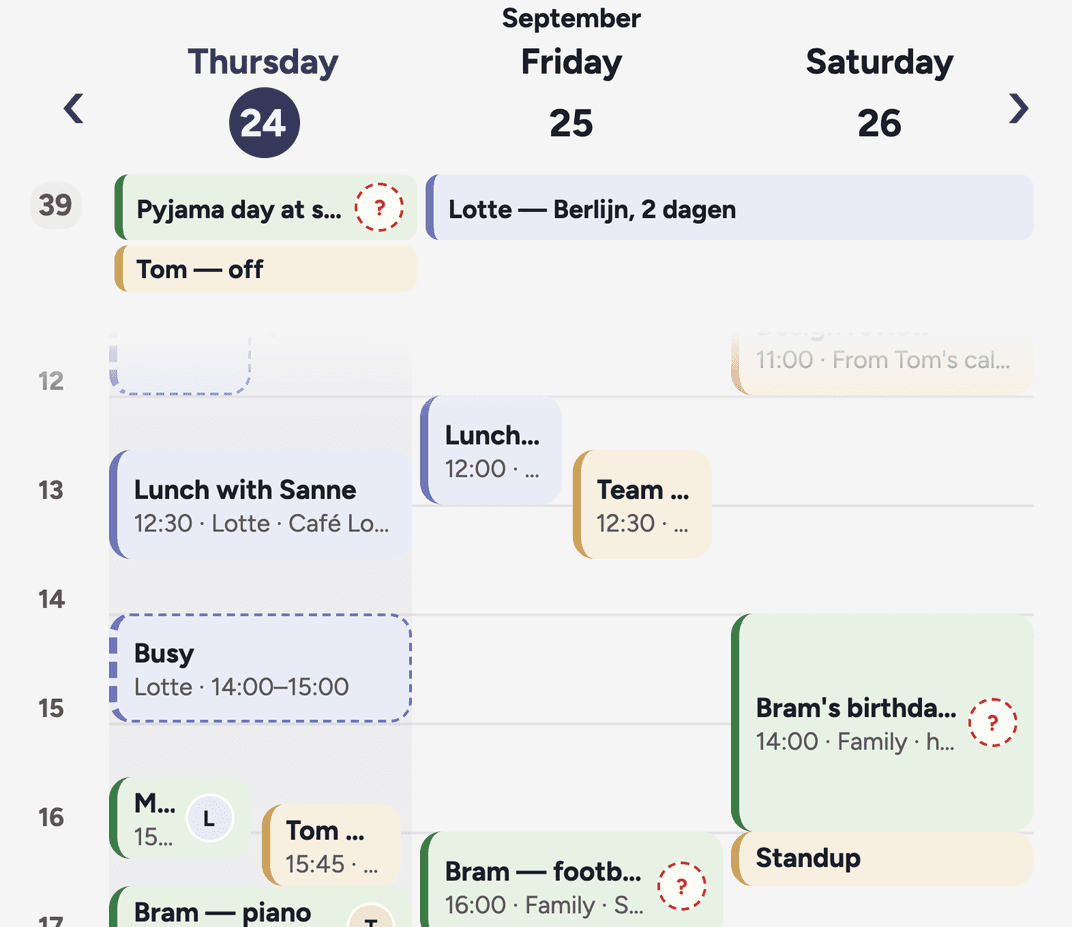
All calendars in one view
Your own Google Calendar sits in the Plan tab next to the family’s: each parent in their own colour. This was the first step; multiple calendars per parent followed a few weeks later.
Fred in your language
Fred learned Dutch and German
Switch in Settings › Language.